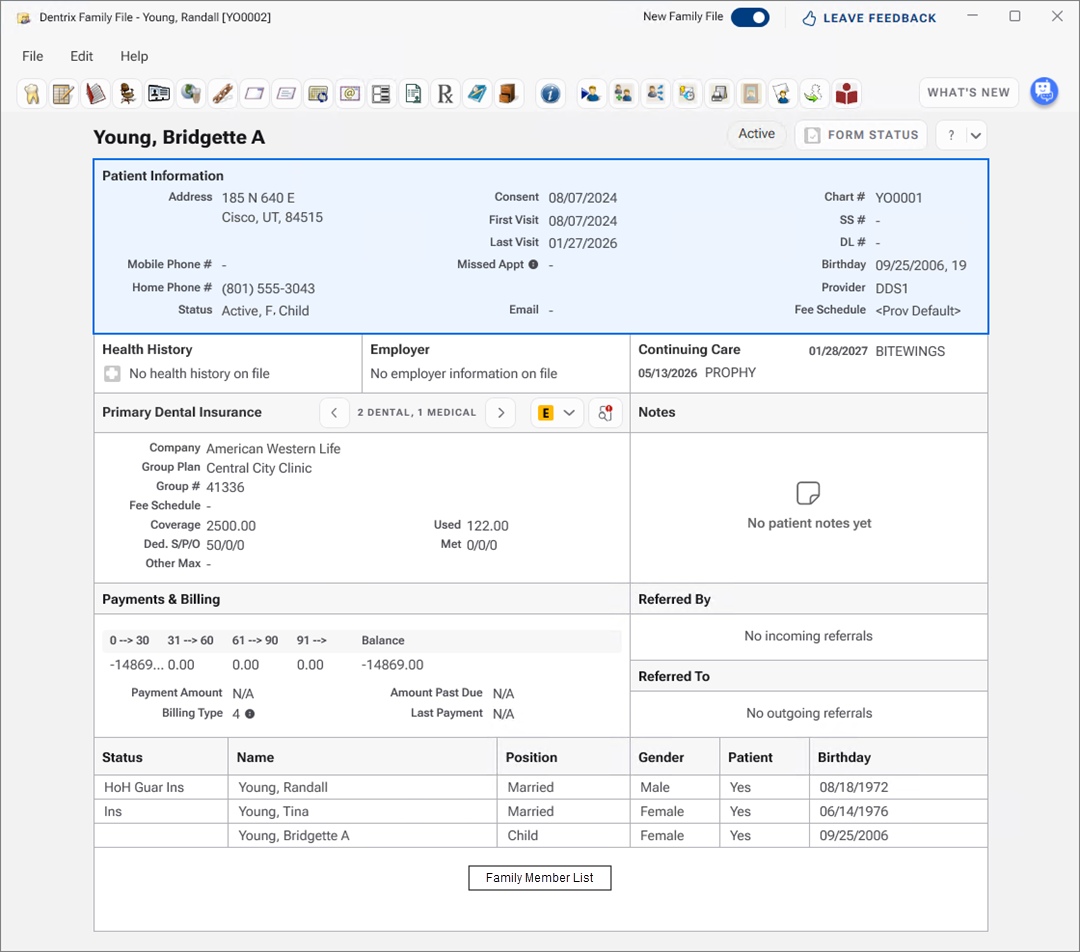
The Family File window contains several cards that display information. By double-clicking these cards, you can enter, edit, or delete patient information.
Viewing more patient information
Adding entries to the Office Journal
Previewing the new Family File
Adding new patients with the new Family File
Viewing exceptions and insurance plan notes
Reactivating archived patients in the new Family File
Adding employers to patients in the new Family File
Dismissing or reversing updates in the new Family File
Creating emergency contacts in the new Family File
Adding or editing emergency contacts